Feb 13, 2026
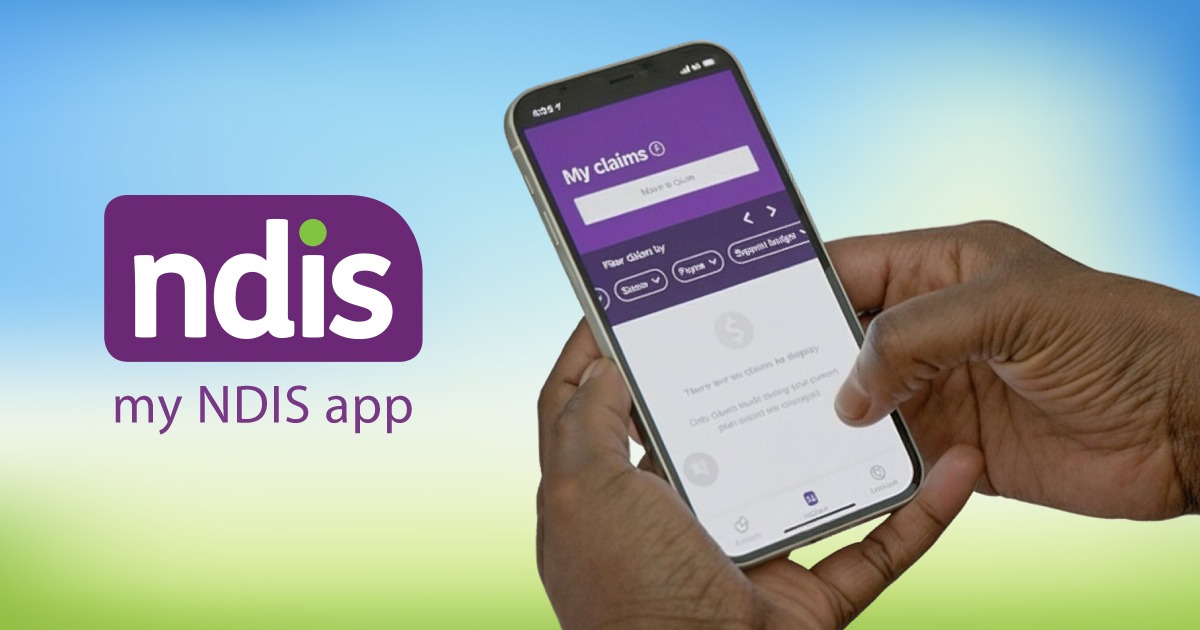
The NDIS is rolling out an important update to the my NDIS mobile app starting February 2026. This update is designed to make the app easier to use, more accessible, and simpler to navigate for all participants.
Whether you manage your plan independently or get help from an NDIS provider, this update aims to improve your experience without changing how you manage your NDIS plan. In this blog, we learn more details about it:
The my NDIS mobile app works together with the my NDIS participant portal and the myplace portal. These tools allow participants to:
Many participants also use the app with support from an NDIS service provider or a trusted disability support worker.
The update will begin in February 2026.
There is no change to how you manage your NDIS plan, only improvements to how the app looks and works.
The NDIS has worked closely with participants through surveys and testing to improve accessibility. These changes will help users of all abilities.
The app will now:
These updates are especially helpful for participants supported by a disability service provider or those using screen readers.
If your NDIS plan is on the SAP CRM system, you’ll notice a few extra updates.
These updates apply to all app users and are designed to improve the overall experience without changing how the app works.
When making a claim, the app may show a helpful prompt if something doesn’t look right.
For example:
You can:
These prompts are not AI-generated. They are there to reduce errors and speed up claim approvals.
For iPhone users, the app now includes invoice recognition.
This feature:
This makes life easier for participants and NDIS providers, helping with claims. Android support may come later.
The app’s date picker will now match your phone’s design.
You can:
This keeps the experience familiar and simple.
The updated app includes:
This makes the app easier to use for participants and carers, including those receiving disability support.
We’ve refreshed the navigation icons to make them clearer, more consistent, and easier to recognise at a glance.
This helps you clearly see where you are in the app.
We’ve improved the “Your Goals” page to help you keep track of your goals and see how your NDIS plan supports them:
This is especially useful during plan reviews with your NDIS service provider.
If you experience any issues after the update:
Many participants also choose to speak with a trusted disability support worker or their NDIS provider for extra help.
The upcoming NDIS mobile app update is designed to improve accessibility, clarity, and ease of use without changing how you manage your plan.
These enhancements make it easier for participants, carers, and disability service providers to navigate the app with confidence, ensuring information is clear and support is always within reach.
By keeping the app simple and accessible, everyone can stay focused on what matters most: achieving NDIS goals, building independence, and maintaining choice and control.
If you’d like support to make the most of your NDIS plan or upcoming changes, Mercy Life Care is here to help. Contact our team today.